Free Templates and Backgrounds for PowerPoint
Welcome to Best PowerPoint Templates – free and user-friendly PPT themes and resources website. Here you will find a big collection of clean and modern PowerPoint templates, backgrounds, resources, shapes, charts, and diagrams that are free. And they are exclusive to my site which means you won’t find these PowerPoint elements anywhere else.
All my PowerPoint templates are 100% free to download! Just select free PPT template of your choice, click the download button and save the zip file to your computer. You will find .ppt file along with free font used in the design. Each template comes with all the graphic styles, icons, and other visualization elements to make your presentation even more impressive. They will save you hours and make your PowerPoint presentations templates look professional and engaging.
Free PowerPoint themes for everyone
Whether you are a student, a business person, a sales manager or a teacher, these creative PowerPoint templates will help you with your illustrations and data visualization. With so many different designs to choose from, you can easily create a slide show for particular event or seminar. My PowerPoint presentation templates are suitable for professional business demonstrations as well as simple and creative designs. If you are a student in computer science, you can look into my technology category, whereas if you are a teacher, check out my education themes. A sales manager should look at my business templates. Make your presentations even more engaging and interactive with free animated PowerPoint templates.
You will also find free PowerPoint shapes and objects on this site. Just simple PPT elements like charts (pie chart, histogram, bar chart, org chart, flowchart), diagrams (tree diagram, network diagram, family tree, timeline), shapes (2D Shapes, 3D Shapes, arrows, icons), infographics, roadmaps, s.w.o.t., etc.
Download PowerPoint templates free and sees the difference for yourself. You will impress your audience and grab their attention. Animated backgrounds will help you to make presentations more engaging, while colorful charts, diagrams, and other clip art elements will help you to visualize data and organize information flow.
How to use these templates for PowerPoint?
Once downloaded, simply open PowerPoint template like you normally would and modify the content. All our templates are compatible across different versions of PowerPoint (PowerPoint 2003, 2007, 2010 and 2013 versions). If you want to take it step further, I encourage you to use this fantastic powerpoint guide while working on your presentation content.
Save your time and effort.
Focus on your presentation content and message, not on your design. As I have already taken care of the design. Creating original and unique PowerPoint presentations have never been this easy!
CREATION PROCESS
I applied high standards to every powerpoint presentation I created. See couple examples below:
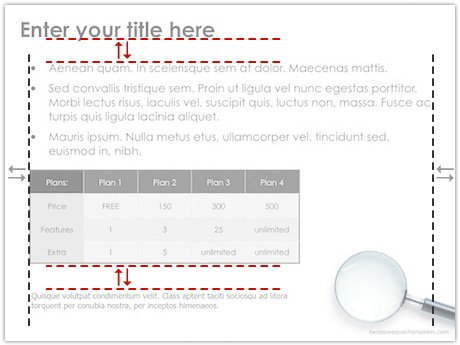
Choosing the right font style, size, aligning text equally so
it looks professional and reads smoothly.
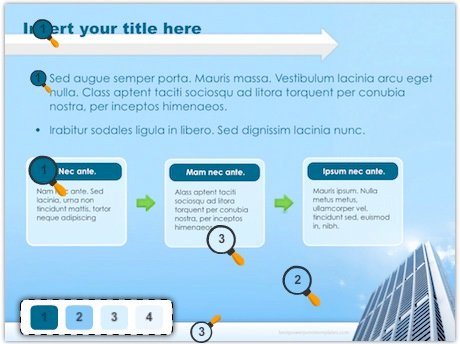
Keeping same consistent color schemes throughout
the template to give it even more professional look.
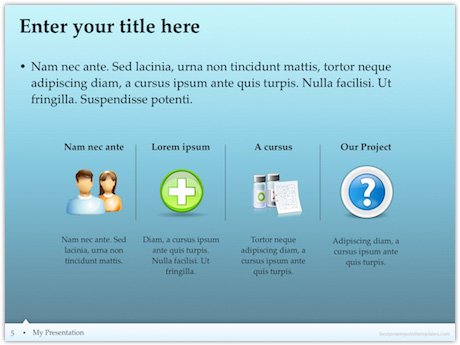
Adding theme related icons and pictures.
Good luck!